3.15.1. WBM GUI enhancements 


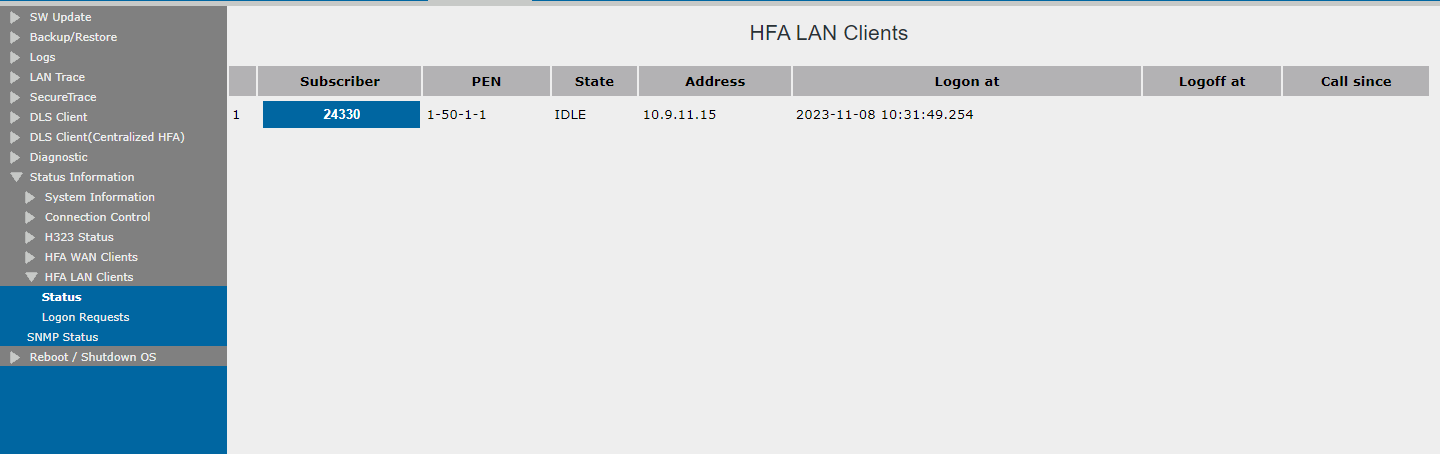
Configuration > SPE
The WBM GUI has been enhanced with new options for the configuration of SPE
certificates.
Figure 144. SPE certificates configuration
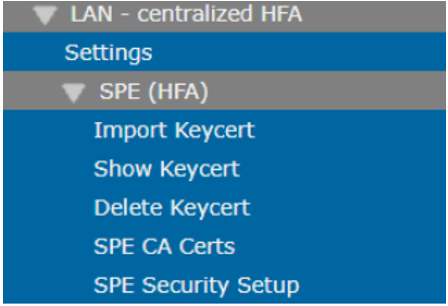
The table below presents a list of the new menu items and their usability:
| Menu items | Usability |
| Settings | Display the centralized IP address used for HFA. |
| Import Keycert | Imports the SPE certificate. |
| Show Keycert | Prints the current SPE certificate (if any). |
| Delete Keycert | Deletes the current SPE certificate (if any).
INFO:If SPE is
active, the certificate cannot be deleted.
|
| SPE CA Certs | Handles the SPE CA certificate (import, view, delete). |
| SPE Security Setup | Handles the TLS protocol settings for Centralized HFA IP secure connection. |
You can navigate
Maintenance > Status Information > HFA LAN Clients
By navigating to this area, you can view the status of the HFA clients and the
logon requests, as displayed in the figure below:
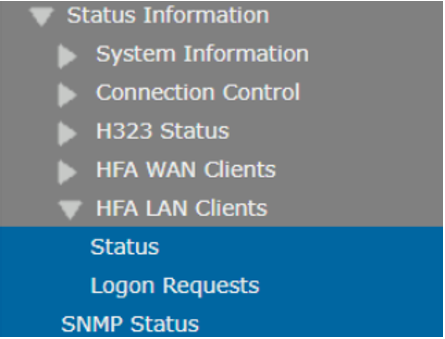
When selecting the option Status, the following output is displayed: