11.3.1.5. Checking the Regular Activities of OpenScape 4000 Assistant Backup
& Restore 


In addition to the “usual“ methods (log files etc.), there is
an option for communication with the backup server to query when and
which processor was last in contact with the AP backup server.
Prerequisite:
- Logged on to the OpenScape 4000 Assistant via a Web browser under the
ID “
rsta“. - Software Management -> Backup & Restore has been started.
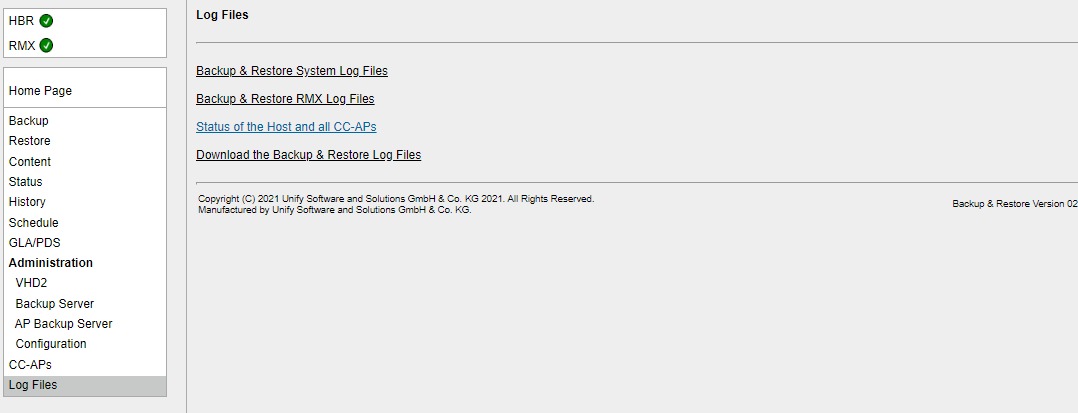
- In the Backup & Restore user interface, select the function Log Files.
Figure 214. OpenScape 4000 Assistant Backup & Restore - Select “Log Files“
- Select “Status of Host and All CC-APs“ from the list
Figure 215. OpenScape 4000 Assistant Backup & Restore - Status of Host and CC-APs
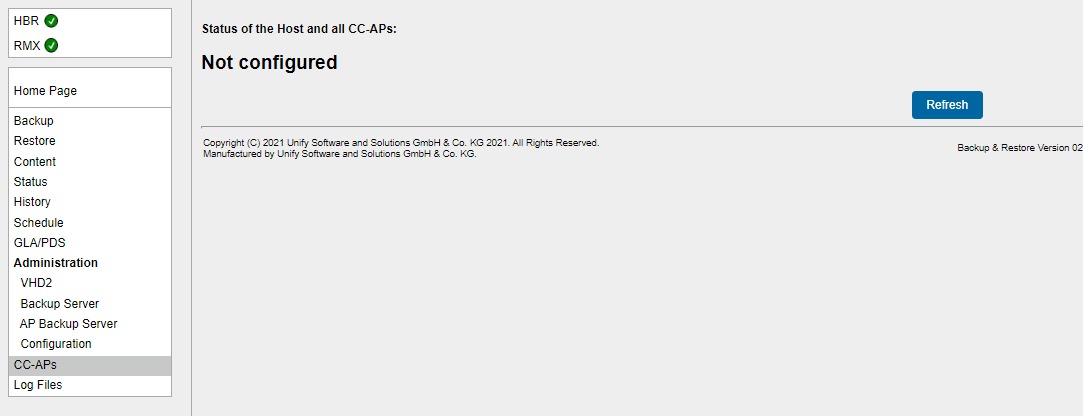
The date and time data must be interpreted as follows:
|
Host:
|
Conclusion of last backup procedure
|
|
CC-AP/Survivable OpenScape 4000 SoftGate:
|
Time of last query on AP backup server (normally
queries once every 10 minutes)
|