18.6.2.2. Scanning the IP Devices 


To add the IP subscribers in the DLS it is needed to scan the IP range
from where the subscribers belong.
IP Device > IP Device Interaction > Scan IP
Device
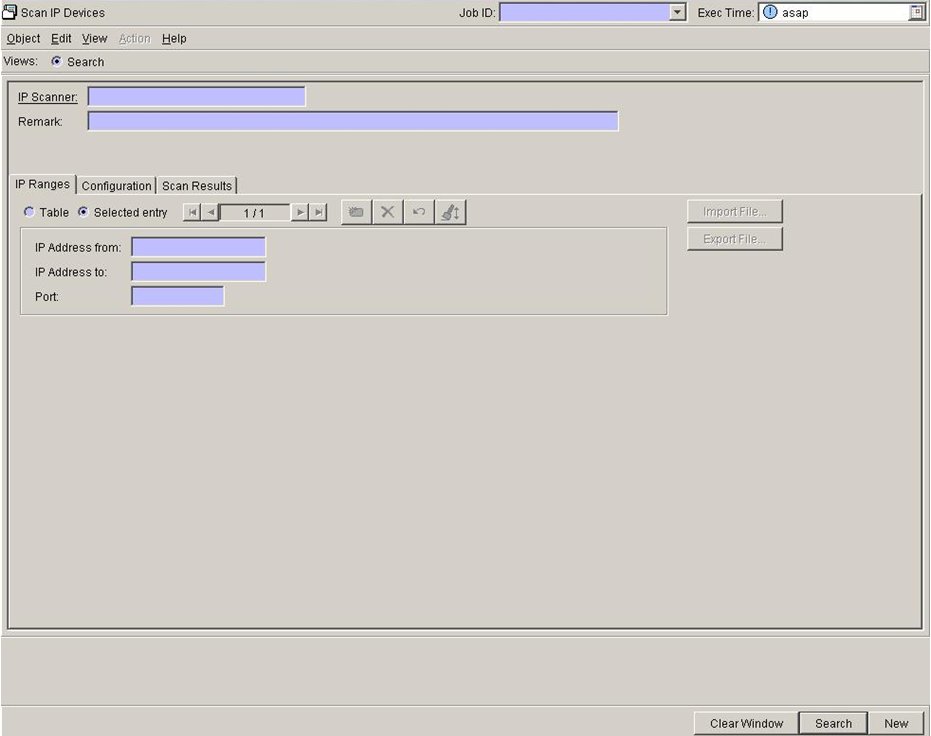
IP
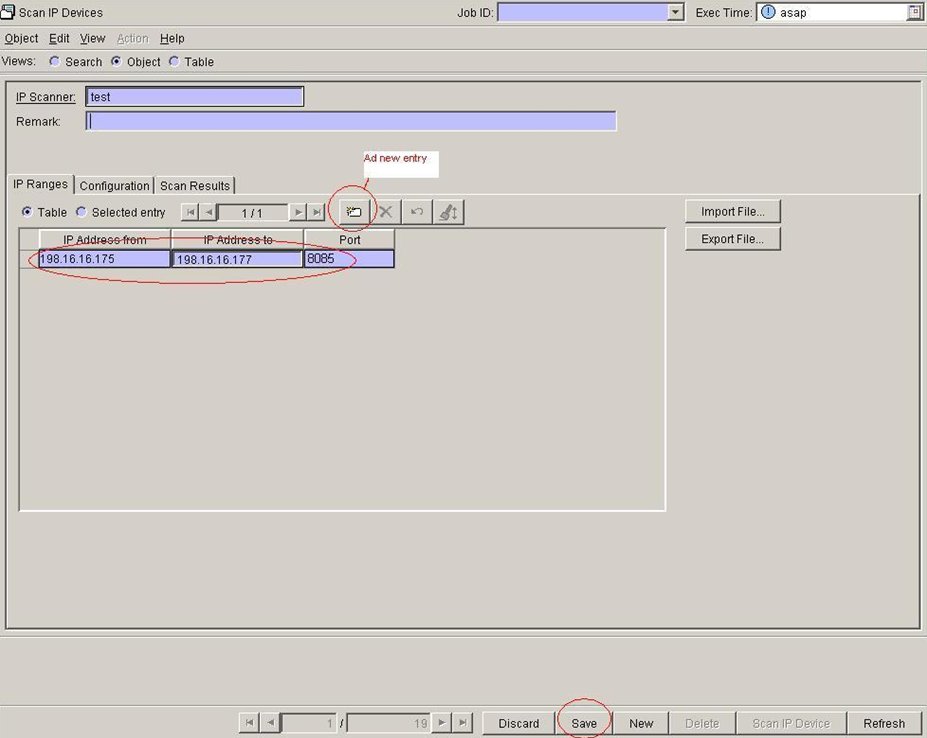
Ranges tab: Set name for the IP Scanner, IP address range
(IP Address from, IP Address to) and Port 8085.
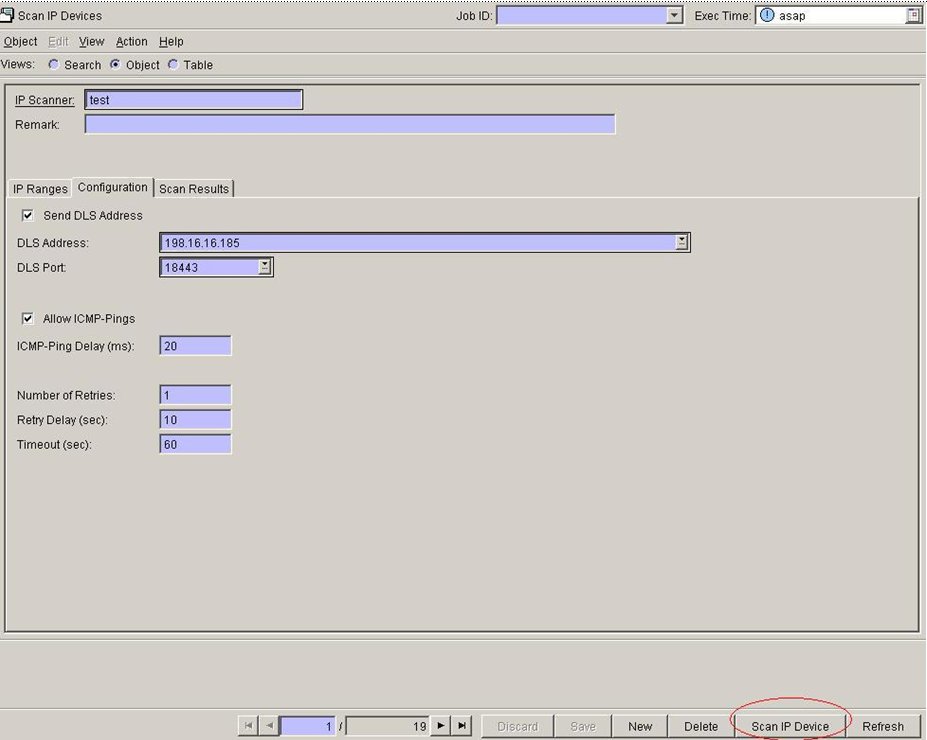
Configuration
tab: Set IP Address of DLS (DLS Address) and DLS Port and
select check box Send DLS Address. Start the scan with the button
Scan IP Devices.
Select
Scan IP Devices, Register IP Devices and All IP Devices
from Scan and then select OK.
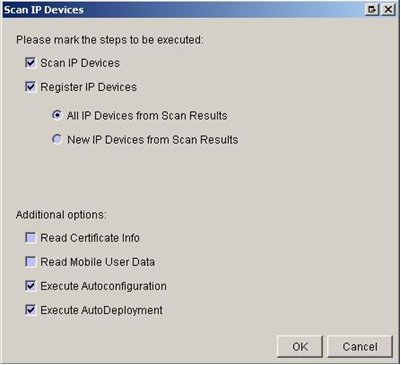
Scan
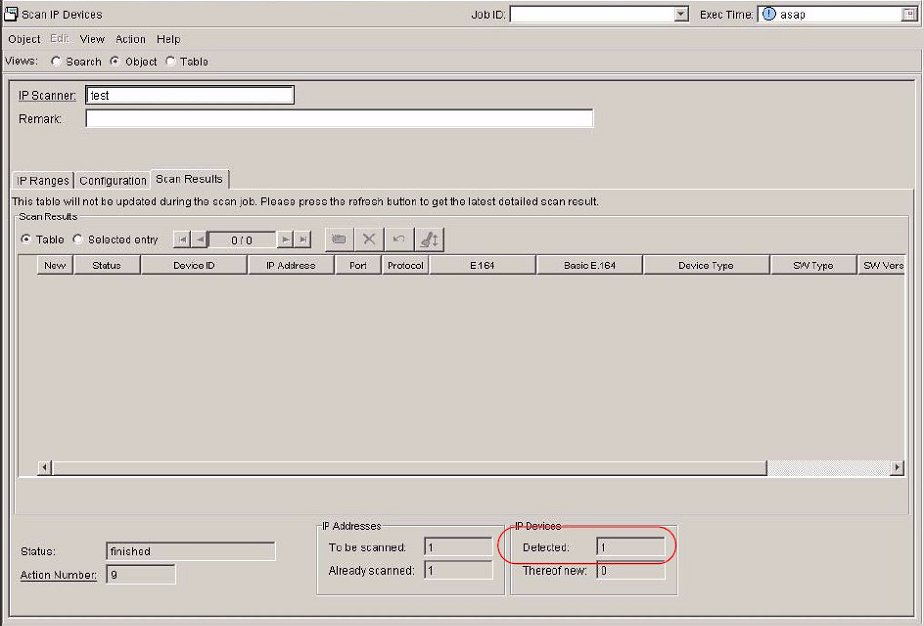
Results tab: Number of detected gateways (IP Devices >
Detected) will be shown.