18.5.2. Importing a SPE Certificate on a Gateway 


IMPORTANT:
For a vHG3500 HFA see Section 6.3,
“Importing a SPE Certificate on a vHG3500 HFA”.
Configuration > Security > Signaling and Payload
Encryption (SPE) > SPE Certificate(s) > Import trusted
SPE Certificate (PEM or PKCS#12)
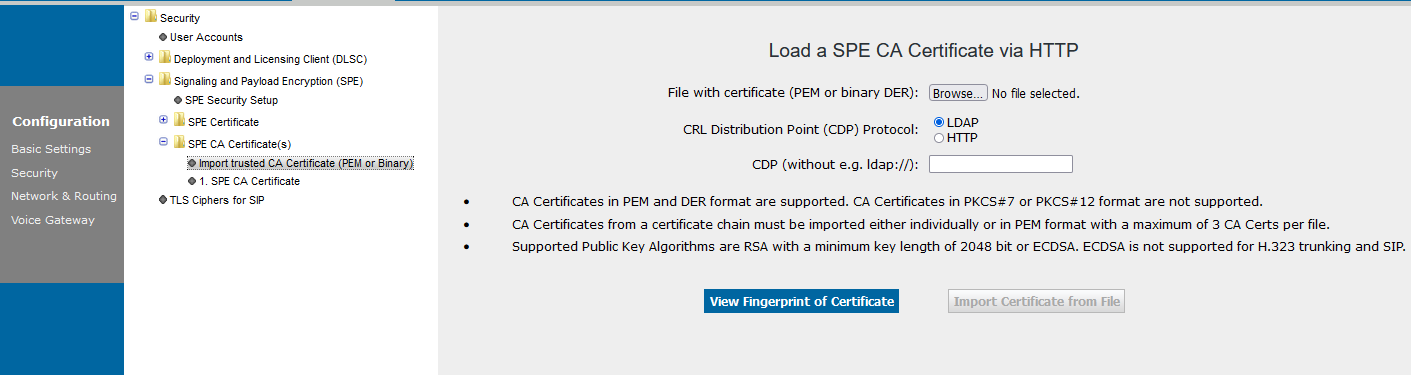
The Load a SPE Key Certificate via HTPP screen is displayed.
Enter the passphrase ("confidential password" (see Section 4.3,
“Configuration”)) and then browse for the certificate.
Click View Fingerprint of Certificate. Now import the certificate
with the Import Certificate from File button.
Figure 386. Importing a SPE certificate on a gateway