2.11.6. STMIX and STMIY Factory reset 


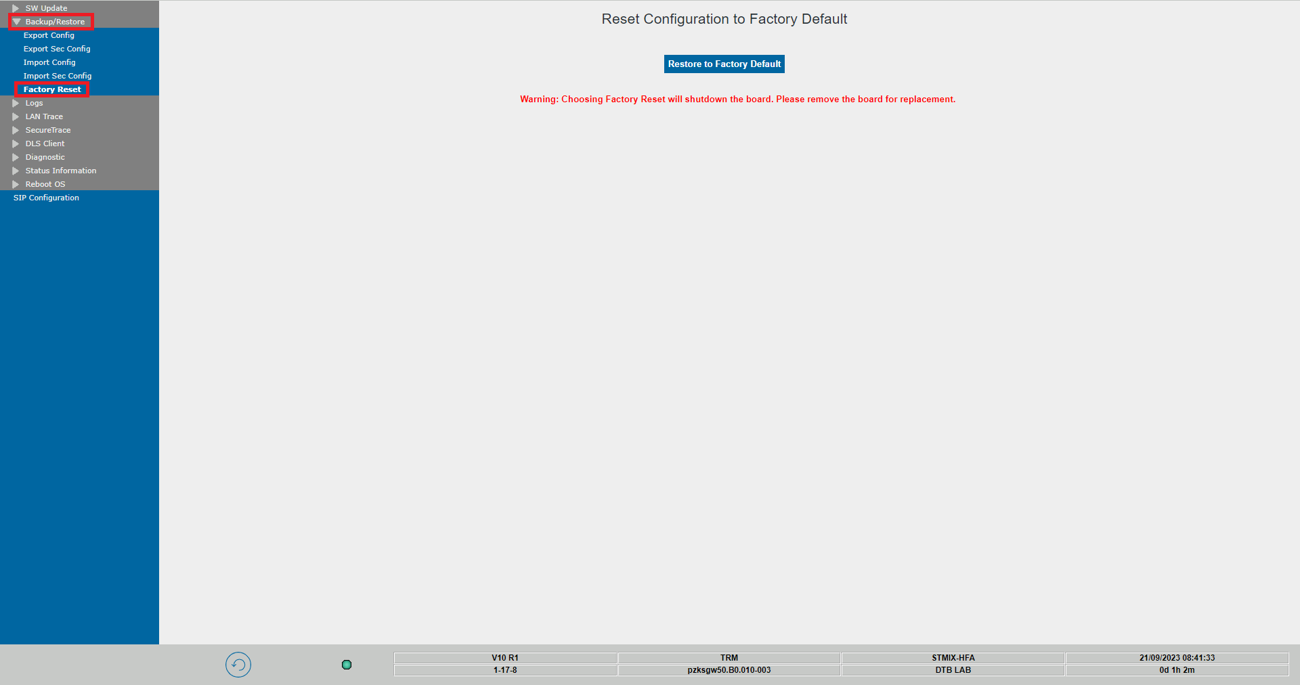
The factory reset procedure for STMIX and STMIY boards is performed via WBM page with
the path : WBM> Maintenance>
Backup/Restore> Factory
Reset.
Figure 34. WBM page layout
The action can only be performed once, and after the procedure ends, the board can
be
removed and used somewhere else.
Description
- Activation of the Factory Reset, will clear all the
directories that contain sensitive customer data from the board.
INFO:
Some files will be purged or replaced with templates (initial status before adding customer specific configuration). - The filesystem will be then synced to SSD.
- Any data in the alternative passive partitions will be deleted.
- The board will then shutdown at the end of the process and can be safely removed.