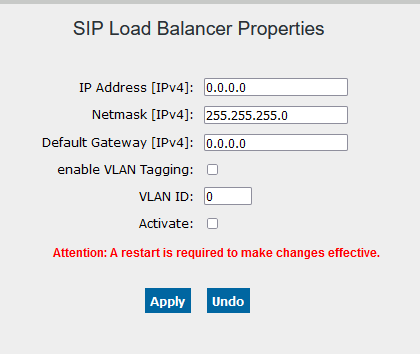
3.9.3.1. SIP Load Balancer Properties 


The SIP Load Balancer is activated via the WBM of the OpenScape 4000
SoftGate. The IP address of the Load Balancer and the network mask have
to be entered for this purpose.
The OpenScape 4000 SoftGate has to be restarted every time the Load
Balancer is activated/deactivated or every time the IP address is changed.
WBM > Configuration > SIP Load Balancer > Settings
Figure 122. SIP Load Balancer Properties