3.2.2. Upgrade via the Local WBM in OpenScape 4000 SoftGate 


- Activate the local Web-Based Management application.
To do this, select OpenScape 4000 Assistant > Expert Mode > Gateway Dashboard or activate the application in the browser with the IP address of OpenScape 4000 SoftGate, e.g. https://218.1.24.139.
Figure 48. WBM - Login
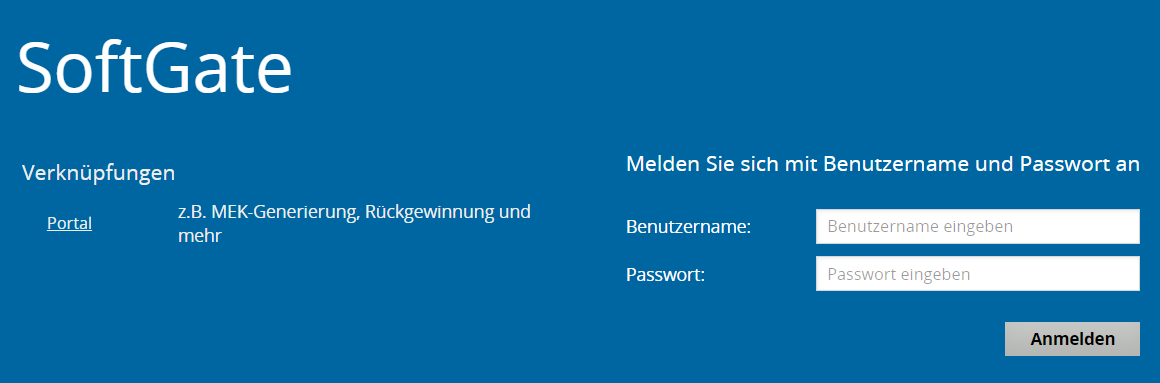
- Log on with user: TRM, ... and the corresponding password.
Figure 49. WBM - Start page
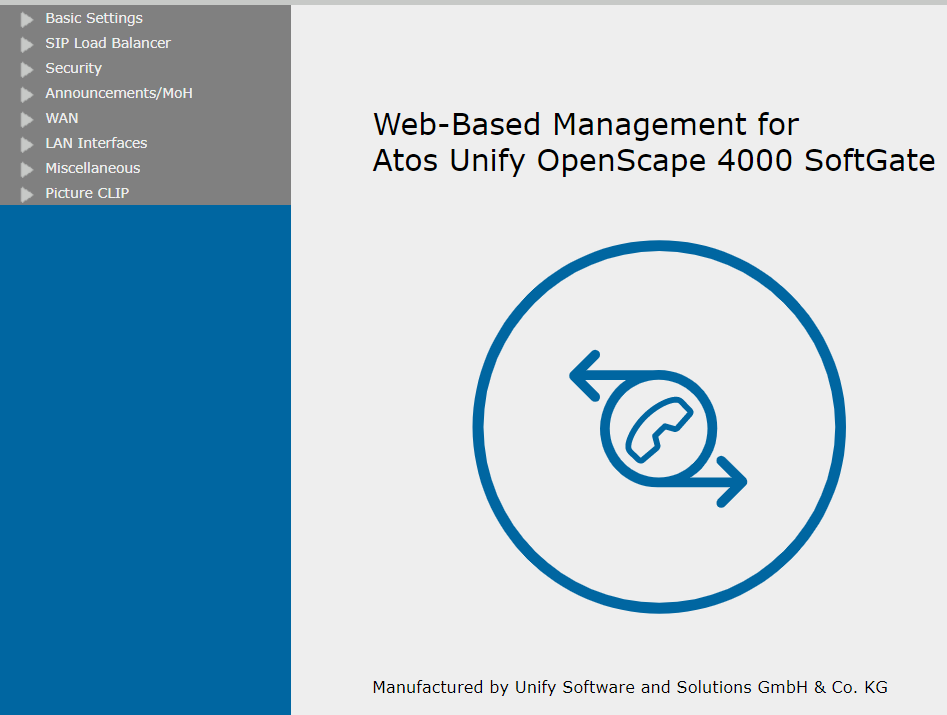
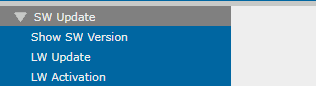
- Select the menu SW-Update
Figure 50. WBM - Software Update
- Transfer the OpenScape 4000 SoftGate image with an OMF 386 header:
-
softgate-5.0-0.i586.rpm.absSelect the Software Update function.Figure 51. WBM - Software Update
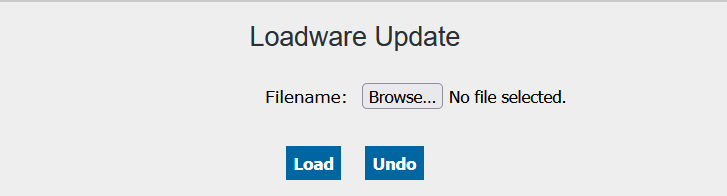
- Click the Browse button to enter the OpenScape 4000 SoftGate image in the "Filename" field.
Figure 52. WBM - Software Update: Entering a file
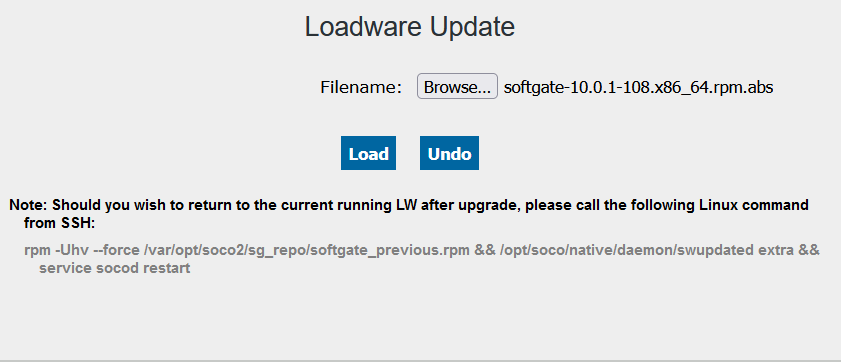
- Press Load to load the OpenScape 4000 SoftGate image.
- Activate the new software.
-
After the upload of the image has finished, the screen for activating the new software appears automatically.
Figure 53. WBM - Software Activation
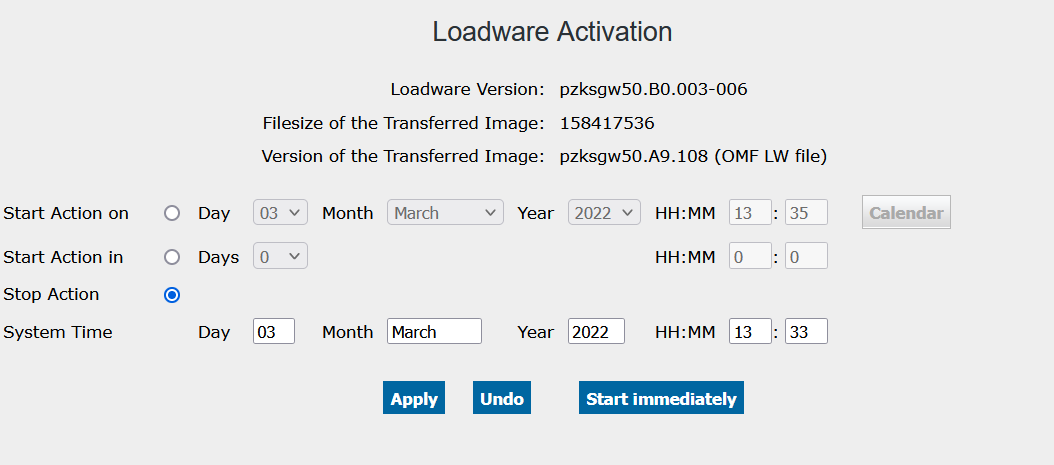 You now have the possibility to activate the new OpenScape 4000 SoftGate image immediately (with the button Start Immediately) or to schedule the activation for later (enter the desired date and time in the screen and press Apply).