14.8.5.2.4. Define Trunk Configuration 


The next step is to assign the OpenScape 4000 gateway to a trunk associated
with a pool or a site as follows:
- Lync Server Control Panel > Voice Routing > Trunk Configuration tab
- Click New. Depending on the scope of the policy you want to create click Site Configuration or Pool Configuration.
Figure 321. Microsoft Lync Server - Define the trunk configuration
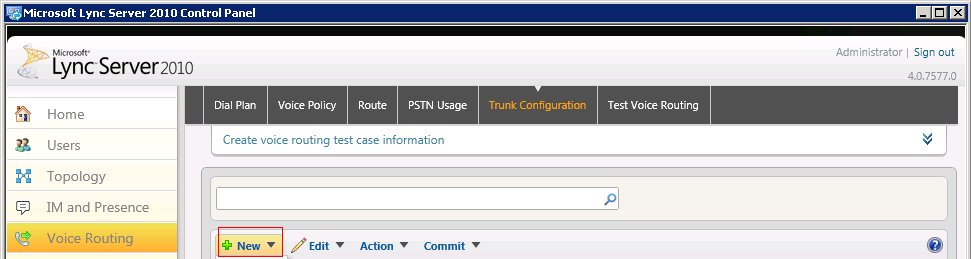
- Select a pool or site for this trunk configuration.
- In the New Trunk Configuration dialog box click OK.
- To commit your changes click Commit and then Commit all.
IMPORTANT:
Make sure that Enable Media bypass and Enable
refer support check boxes are disabled.