14.5.4.3. HG 3500 Configuration in WBM 


HG 3500 configuration in WBM corresponds almost exactly to scenario
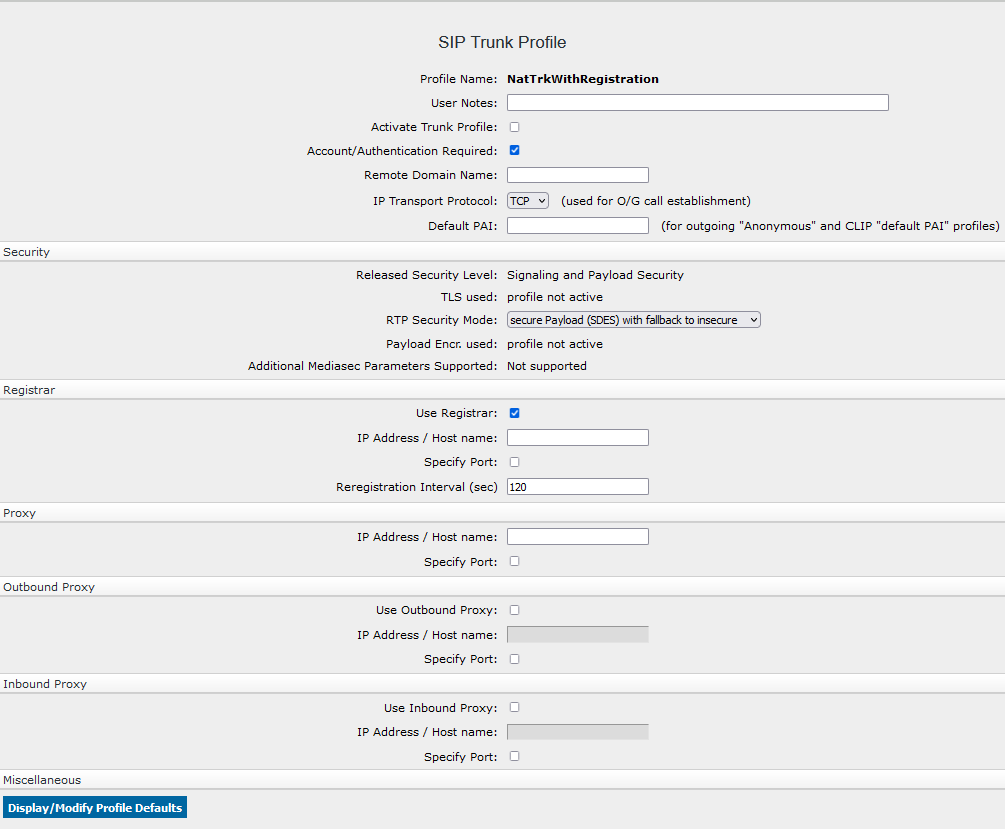
1 : Gateway direct to SIP Carrier. In a suitable SIP trunk profile (in
this case: NatTrkWithRegistration) enter:
- Domain name: supplied by the provider (here: iandc.training.com).
- IP address/hostname of the registrar: supplied by the provider (here DNS name: sip.iandc.training.com).
- IP address/hostname of the proxy: supplied by the provider (here DNS name: sip.iandc.training.com).
- Outbound proxy: Different to scenario 1! Here, activate the checkbox under Use outbound proxy and enter the IP address of the session border controller in the LAN (IP address/hostname: 1.40.11.89). All calls are routed to the SIP carrier from the HG 3500 via OpenScape SBC. The HG 3500 also only permits incoming calls routed via OpenScape SBC.
- Inbound proxy: Not activated here! You can enter a proxy here, which will be used especially for incoming calls.
Figure 260. SIP service profiles in HG 3500 WBM (scenario 2)
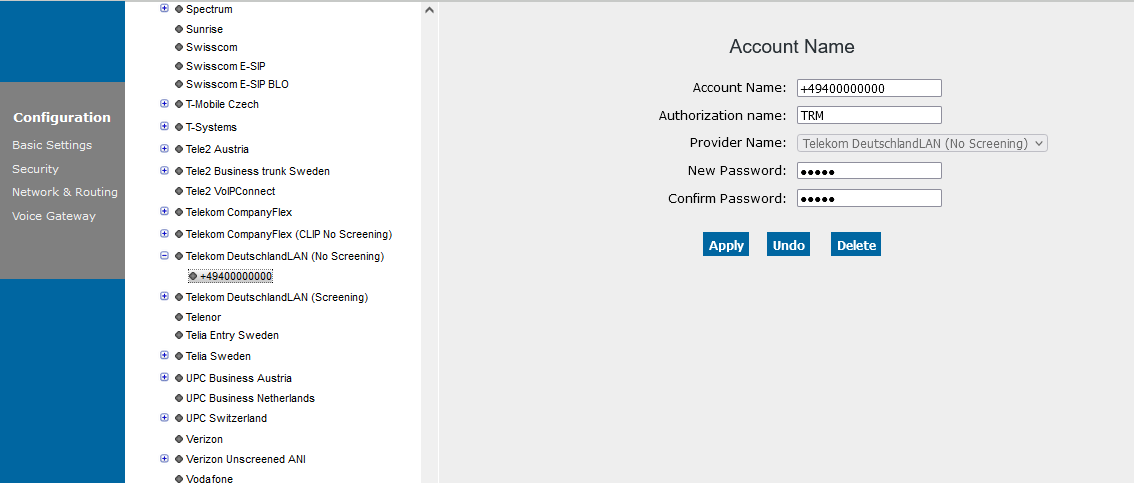
As in scenario 1, you can right-click the profile name in the
Explorer bar to add registration data to the account. The registration
name is the system number in our example.
Figure 261. SIP service profiles in HG 3500 WBM (scenario 2)