14.3.3.5.2. SIP-Q Trunks 


- Change the profile
-
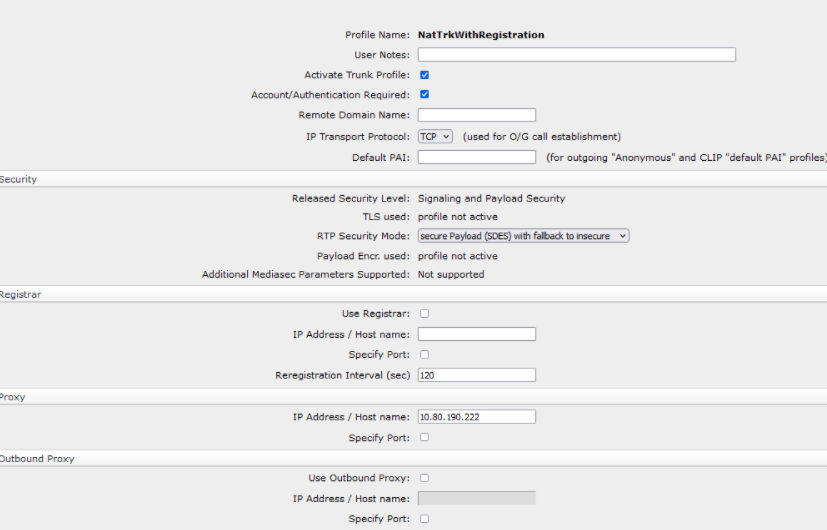
The "SIPQTrkWithRegistration" profile offered can be used for trunk configurations with registration. The account name and authentication data (if required) can be configured.Configuration > Voice Gateway > SIP Trunk Profile > SIPQTrkWithRegistration > Modify > Activate checkbox Add Account/Authentication
- Configure the IP address/host name and domain name
-
Configure IP address/host name (e.g. DNS name = provider.com) of the SIP trunk partner in the Registrar section and in the Proxy section. The domain name usually has the same value as the IP address/host name (see Sections Registrar or Proxy) and will be used as a host part in the URI of the SIP messages.Configuration > Voice Gateway > SIP Trunk Profile > SIPQTrkWithRegistration > Modify
Figure 254. SIP-Q trunk profile with registration
- Activate the profile
-
After the profile has been configured activate it. If the profile was activated successfully, it turns green.Configuration > Voice Gateway > SIP Trunk Profile > SIPQTrkWithRegistration > Activate
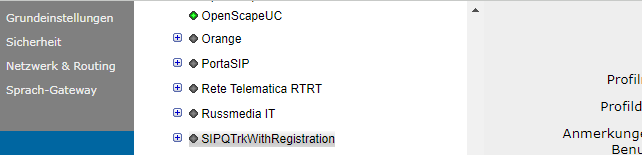
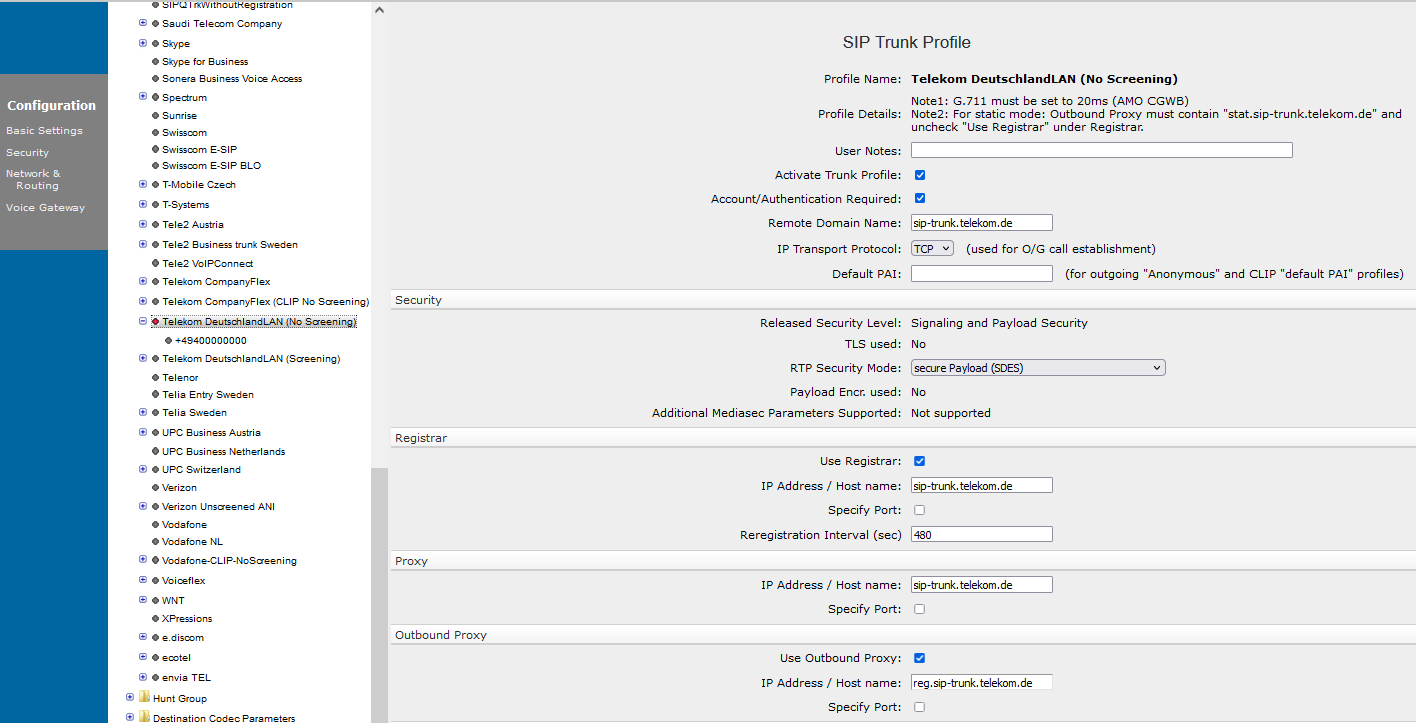 Activated SIP-Q trunk profile with registration
DNS SRV switchback functionality for SIP-Q Trunking
FQDNs (without port setting) can be used for Registrar, Proxy and
Outbound-Proxy (if used).
SIP registration procedure:
- Before starting a SIP-Q registration, the Registrars FQDN is resolved using DNS SRV procedure.
- Then a TCP/TLS connection is established with the highest priority IP address that is reachable.
- A SIP OPTIONS message is sent to check if partner is SIP capable.
- Then a REGISTER message will be sent.
- Afterwards calls are sent to this partner IP address.
If the current target is no longer reachable anymore (e.g. lost TCP/TLS connection or no response to outgoing REGISTER or INVITE request), the next (in order of priority) IP address will be contacted using the same SIP registration procedure as described above.The default value of the polling period is a 60 seconds configurable in WBM under Configuration > Voice Gateway > SIP Parameters > DNS-SRV), which is also taken for the black listing period for unreachable IP addresses. As soon as an IP address with a higher priority is reachable (again), the SIP registration procedure is repeated using the same procedure as described above.PAI for anonymousDefault name/number, which will be used instead of Anonymous to prevent GW adding SIP PAI header with anonymous@host.