3.11.3.4. Testing LDAP access 


It is possible to use the OpenScape 4000 SoftGate WBM to verify whether
LDAP server access is properly configured.
To do this, select the Picture Clip > Test function is the
Configuration menu.
Figure 138. Launching the LDAP server access test
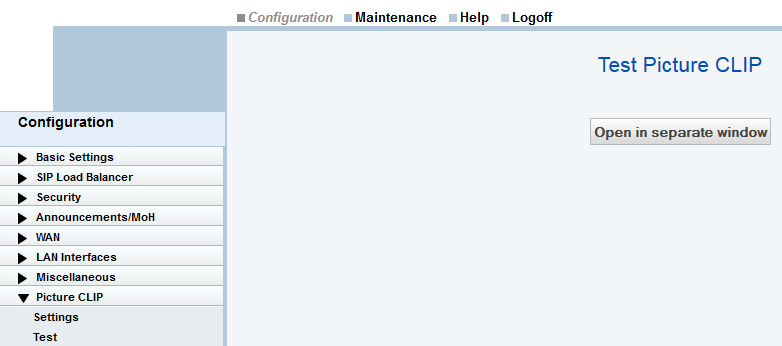
Now click the Open in separate window button.
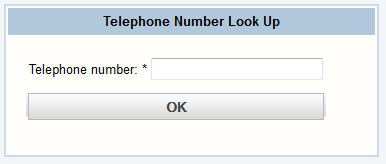
Searching for phone numbers using the LDAP server
Enter a phone number and click Ok.
Figure 139. Correctly configured LDAP
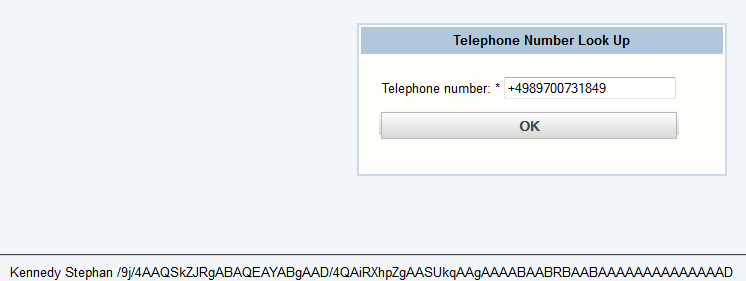
If LDAP server access has been correctly configured and if an entry
exists for the phone number in the LDAP directory, a "result" is displayed
at the lower margin.
The last and first name can be identified. The subsequent characters
indicate that a picture is also available.
If LDAP server access is not configured correctly, a unique error
message is issued.
Example:
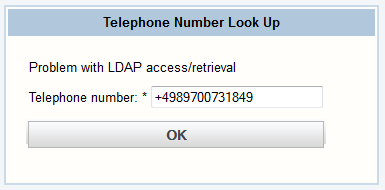
Incorrectly configured LDAP
It can therefore be verified that the parameters are correct as soon
as the LDAP server configuration has been performed.