18.8.6.1.3. TLS 


Currently are supported only protocols TLSv1.0 and higher, SSLv2 and SSLv3 are not
permitted due to security issues. The default minimum RSA key length is 2048.
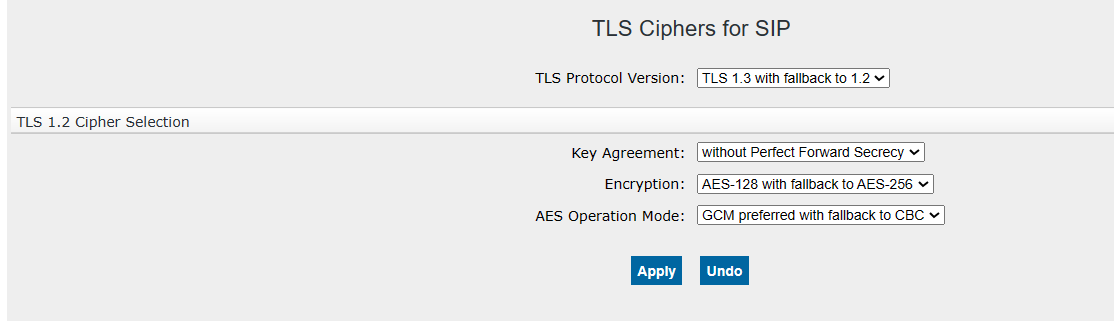
TLS version is configured in WBM menu:
Configuration > Security > Signaling and Payload Encryption (SPE) > right
click on TLS Ciphers for SIP > Edit TLS Cipher Configuration.
On following screen, the deployed TLS version, key agreement method, encryption
algorithm and operation mode can be configured (see
https://www.ietf.org/rfc/rfc5246.txt and
https://www.ietf.org/rfc/rfc8446.txt for more information about TLSv1.2
and TLSv1.3).
IMPORTANT:
After changing and saving the TLS SIP settings, GW must be
rebooted for the changes to take effect!
Figure 425. TLS Ciphers for SIP
Starting with V11R0, TLS version 1.3 is supported on the VoIP Interfaces (HFA and
SIP).
INFO:
TLS1.3 ciphers cannot be configured (fix settings).