5.22.6.1. Activating Follow-Me via the Service Menu 


In the "Destinations" menu, a sub-menu option will be installed for
activating the "Remote-CFU" feature.
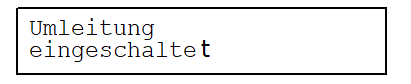
Menu text for activating follow-me in the "Destinations" menu:
1. Input: press Service Menu key, browse to "Destinations" - press
"Yes" key
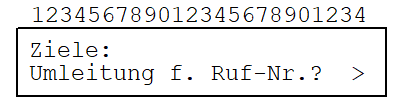
2. Input: "Yes" key
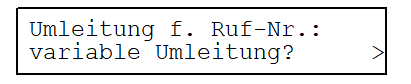
3. Input: "Yes" key
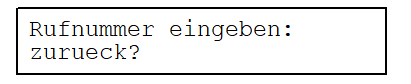
4. Input: 1st digit
of STNO home stno
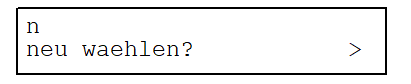
(scroll with "Next"/"Back"
keys until:
zurueck? > )5. Input: remaining digits of STNO home stno + #
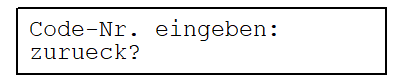
6. Input: 1st digit
of PIN
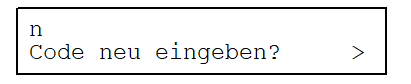
(scroll with "Next"/"Back"
keys until:
zurueck? > )7. Input: remaining digits of PIN + #
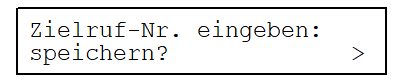
(scroll with "Next"/"Back"
keys until:
zurueck? > )8. Input: (1st digit of STNO destination stno )
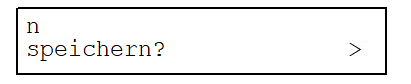
(scroll with "Next"/"Back"
keys until:
neu waehlen? > ) (scroll with "Next"/"Back"
keys until: zurueck? > )9. Input: (remaining digits of STNO destination stno + )
(#)
10. Input: "Yes" key
IMPORTANT:
Input
in brackets ( ) = optional For activating follow-me, it is not necessary
to enter the destination number. If the home station user's PIN
is active, users do not need to repeat the PIN and home station number
entries, but must enter the delimiter "#". With "zurueck" ("back"),
users are returned to the next highest menu level, e.g. back to the "Umleitung
f. Ruf-Nr.? >" option of the "Destinations" menu.