5.22.6.2. Deactivating Follow-Me via the Service Menu 


In the "Switches" menu, a sub-menu option will be installed for deactivating
the "Remote-CFU" feature.
Menu text for deactivating follow-me in the "Switches" menu:
1. Input: press Service Menu key, browse to "Switches" - press "Yes"
key
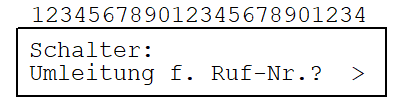
2. Input: "Yes" key
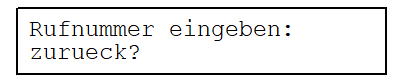
3. Input: 1st digit
of STNO home stno
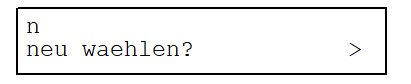
(scroll with "Next"/"Back"
keys until: zurueck? >)
4. Input: remaining digits of STNO home stno + #
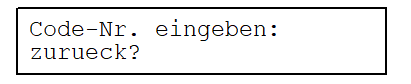
5. Input: 1st digit
of PIN
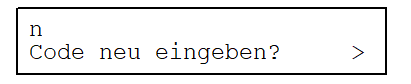
(scroll with "Next"/"Back"
keys until: zurueck? >)
6. Input: remaining digits of PIN + #
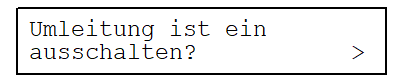
(scroll with "Next"/"Back"
keys until: Ziel anzeigen? >) (scroll with "Next"/"Back"
keys until: naechster Schalter? >) (scroll with "Next"/"Back"
keys until: zurueck? >)
7. Input: "Yes" key
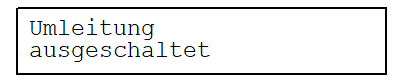
IMPORTANT:
If
the home station user's PIN is active, users do not need to repeat
the PIN and home station number entries, but must enter the delimiter
"#". With "zurueck" ("back"), users are returned to the next
highest menu level, e.g. back to the "Umleitung f. Ruf-Nr.? >" option
of the "Switches" menu.