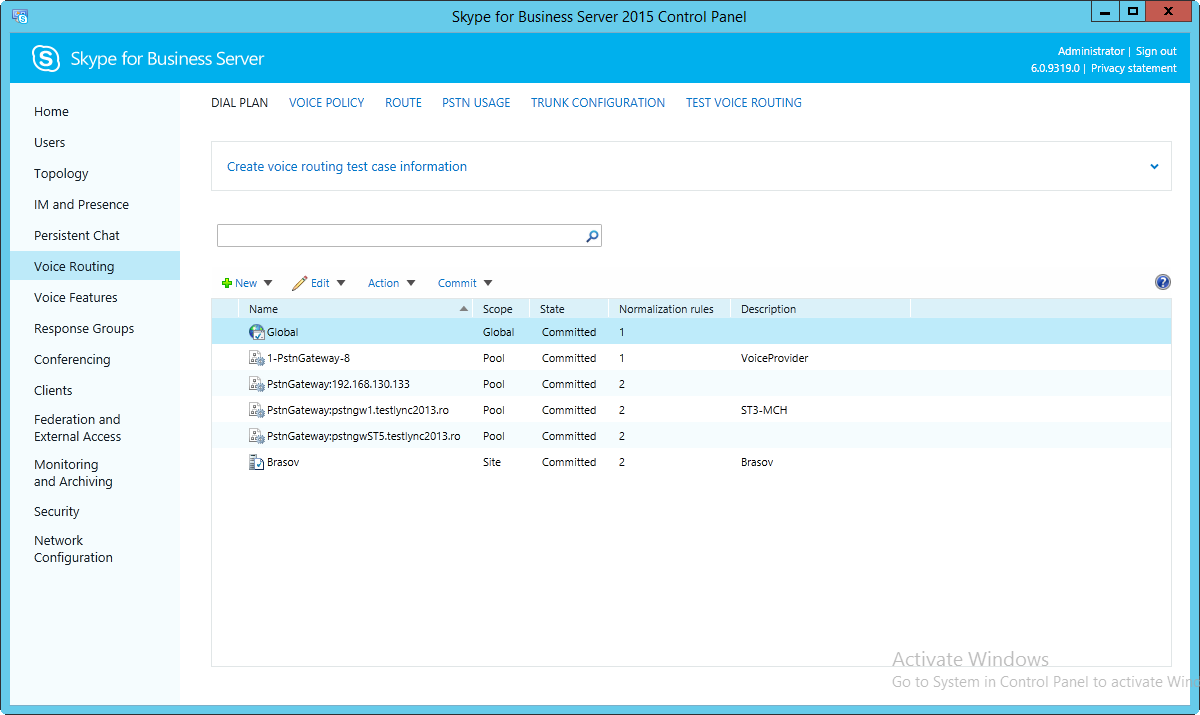
14.9.3.5. Define Dial Plan 


Define dial plan rules in Skype for Business Server 2015 Control Panel.
- Start Skype for Business Server 2015 Control Panel
- Click Voice Routing, and then click the Dial Plan tab.
- Create normalization rules which permit Skype for Business users to dial OpenScape 4000 phones and the PSTN.
- To commit your changes, click Commit, and then click Commit all.