10.26.7.1. SMTP Server Configuration 


Here the host name or the IP of your email server must be entered.
Based on the email server configuration you can use an account to authenticate.
The port must be changed if the default one is not used.
In addition to the server configuration, you need to insert the recipients
of these notifications. Similar to any email client, there are three
fields: To, Cc, and Bcc. These fields can be used as requested, and several
recipients can be added using coma or semi colon.
The Subject field can be configured as well based on the requirements.
The %alarm variable can be used in case the Subject needs to includes
the F number that generated the alarm.
Figure 106. SNMP/SMTP Configurator
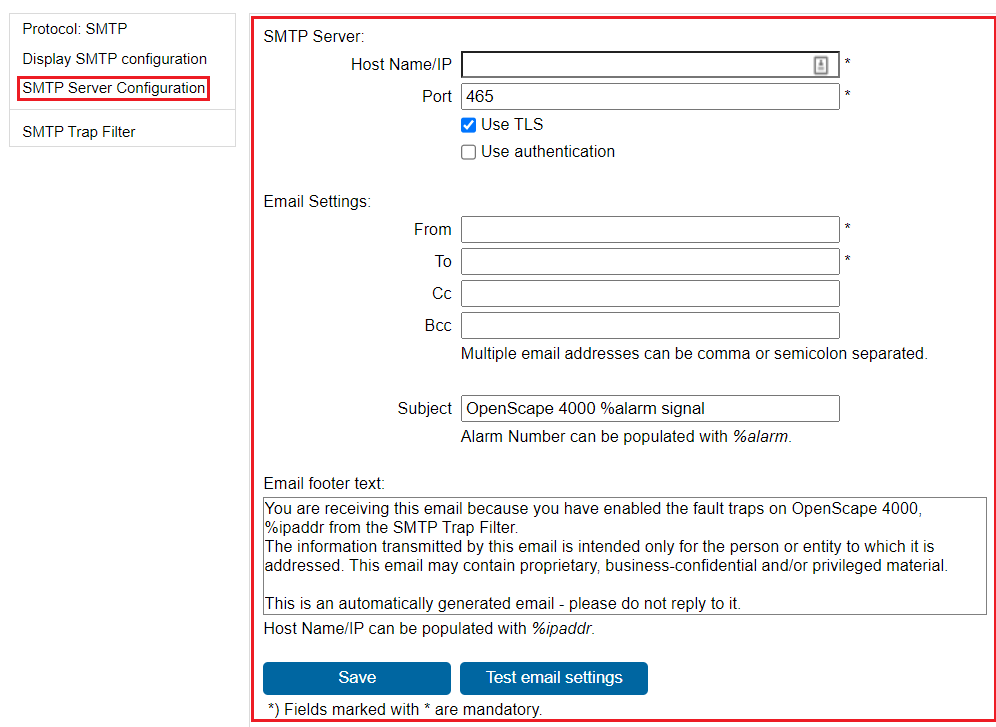
By pressing the Save button, the data is directly saved to the database.
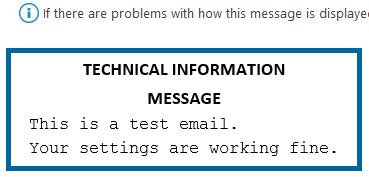
To check the configuration, use the Test Email Button that will send
a test email to all the configured recipients.
Figure 107. Test email