10.26.7.2. Trap Filter 


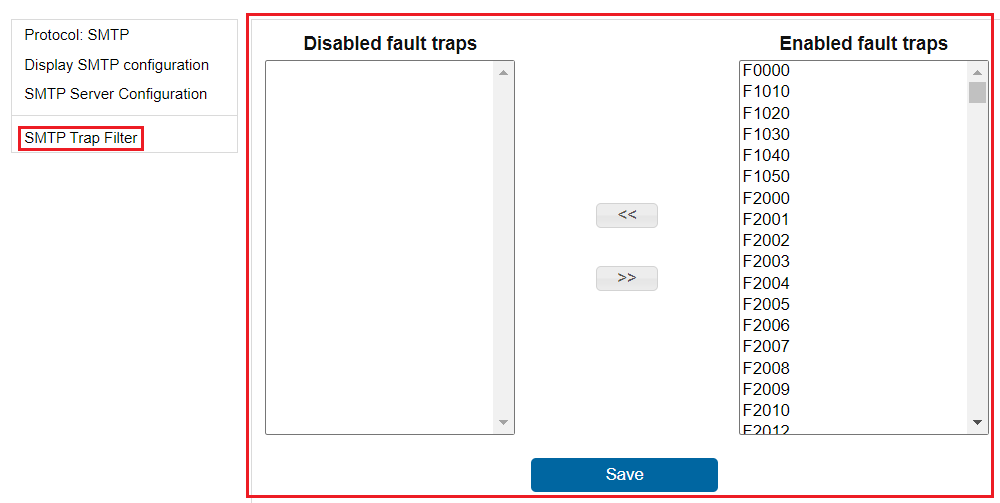
As mentioned before, all the alarms are enabled by default. It is
recommended to filter out the alarms and chose only specific alarms based
on your needs. Some of the alarms can be generated by the system several
times a minute so a flood of emails may occur.
Figure 108. Trap filter
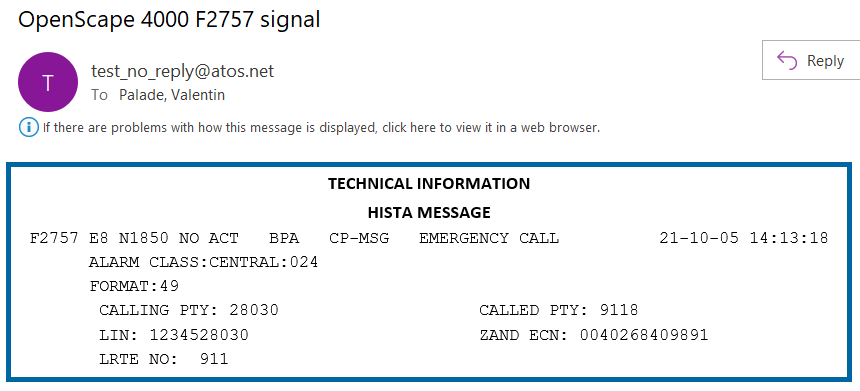
When the configuration is completed, emails like the following one
should be generated on each entry that occurs in the HISTA system:
Figure 109. Example of an email notification